If the user reported issue related to the performance of the website which include
- Website response time
- Unresponsive button
- Other browser related error
First level troubleshooting should be done to classify if issue cause by the user device or from the server side.
1. Network Connection Test
- Ensure that the user device are connected to the internet by testing access to other website (e.g Google.com or any other work related site).
- Check if user are connected via WiFi or Cable (normally cable connection provide more stable network)
- If there is no issue with the connection, perform the ping test on the user device.
- Guide the user to access (https://www.speedtest.net/) and run the test
- Capture the speed test result
- Update the screen capture into the ticket
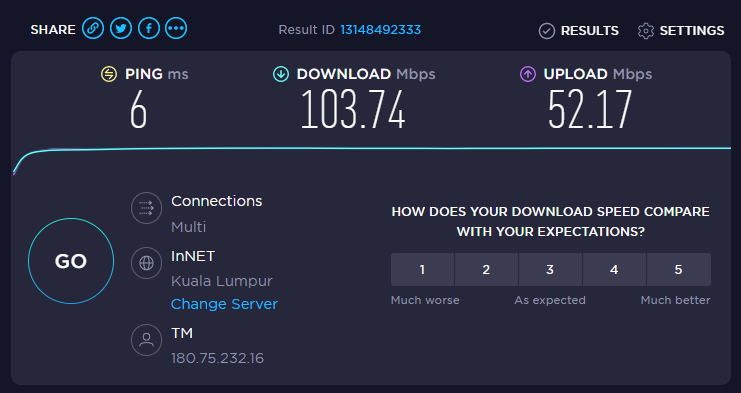
- Identify if any error appear, screen capture the error to assist root cause analysis if there is no indication of network connection issue.
2. Device/Browser Performance Issue
- Try accessing the website using different browser. If the user is currently using Internet Explorer, advise to use Google Chrome or vice versa.
- If using different website solve the issue, proceed to guide user to perform browser optimization by clearing browsing history, cache and SSL sites from the affected browser.
- If issue persist and the overall performance of the device is laggy, it is advisable to reboot the whole machine and retry.
3. Escalation to next level
If and only if the first level troubleshooting does not resolve the issue, please ensure the following:
- Document all the troubleshooting that has been performed
- Attached screen capture of network speed test and error message if available onto the ticket
- Escalate to the correct SME for E-Jamin (refer: Escalation Matrix)
Was this article helpful?
That’s Great!
Thank you for your feedback
Sorry! We couldn't be helpful
Thank you for your feedback
Feedback sent
We appreciate your effort and will try to fix the article